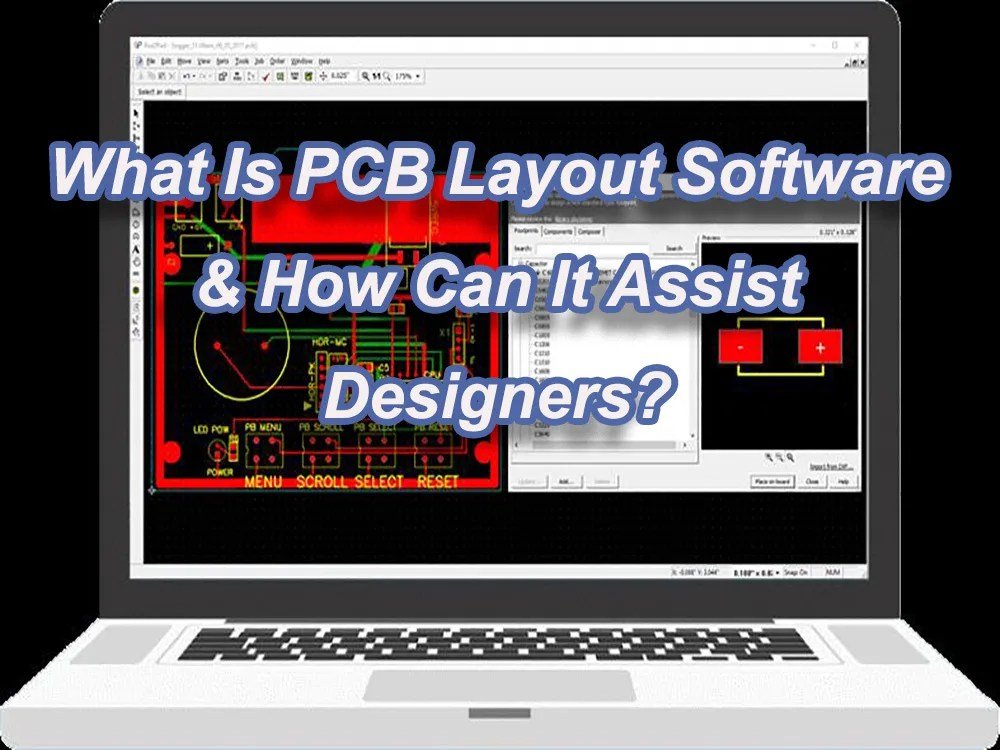
In the dynamic world of electronics, bringing a circuit diagram to life means transforming it into a physical Printed Circuit Board (PCB). This intricate process is made possible by sophisticated PCB layout software, the indispensable tool for both seasoned engineers crafting complex devices and passionate hobbyists tinkering with their next big idea. Choosing the right software isn't just about features; it's about finding a partner that fits your project's scope, budget, and your personal workflow.
This flagship guide will navigate you through the diverse landscape of PCB design tools, from powerful industry standards to accessible free options. We'll help you understand the core considerations, highlight leading platforms, and ultimately empower you to select the best software to turn your electronic visions into tangible realities.
Decoding the World of PCB Layout Software
At its heart, PCB layout software is a specialized computer-aided design (CAD) program that allows you to take a schematic (the theoretical wiring diagram of your electronic components) and translate it into a physical board design. This involves placing components, routing traces (the copper pathways connecting components), defining board layers, and preparing the design for manufacturing.
The market is flooded with options, each boasting unique strengths and catering to different user needs. Before diving into specific tools, it's crucial to consider what truly matters for your design journey. Factors like project complexity, budget, desired features, and ease of learning all play a pivotal role in your decision. For a deeper dive into these critical factors, understanding Choosing the Right PCB Layout software is your essential next step.
Top PCB Layout Software: A Comprehensive Look
From high-end solutions favored by corporate giants to community-driven open-source projects, the array of PCB layout software is vast. Let's explore some of the most notable platforms, understanding their unique offerings and who they serve best.
Industry Leaders & Professional Powerhouses
When it comes to professional-grade design, certain software stands out for its comprehensive feature sets, robust performance, and ability to handle the most demanding projects.
- Altium Designer: Widely considered the gold standard in professional PCB design, Altium Designer offers a unified environment for schematic capture, PCB layout, and simulation. Its collaborative, cloud-based system excels with native 3D PCB design, multi-board assembly capabilities, and robust board layout tools. Engineers praise its user-friendliness, efficiency, and high-quality output, making it ideal for complex product development despite its higher cost. While its perpetual license is a significant investment ($11,870), term-based subscriptions ($358/month) and free trials are available.
- SOLIDWORKS: More than just a PCB tool, SOLIDWORKS offers powerful on-demand bi-directional CAD integration, providing seamless collaboration between mechanical and electrical design teams. This synergy is invaluable for high-quality electronic projects where the physical enclosure and PCB must integrate perfectly. Though initially difficult to learn and resource-intensive, its enhanced user experience through CAD interlinking justifies the lifetime subscription ($4195 plus annual maintenance) for many.
- DipTrace: An interactive tool for efficient electronic design, DipTrace shines with its direct circuit-to-board conversion, back-annotation, real-time Design Rule Check (DRC), and an impressive 3D preview. Its intuitive drag-and-drop component positioning and range of pricing plans (from $75 to $995 for lifetime subscriptions) make it a strong contender for those seeking powerful features without Altium's price tag, though starter versions have pin and layer limitations.
Accessible & Feature-Rich Options for Diverse Projects
Many excellent PCB layout software options strike a balance between advanced features and accessibility, catering to a broad spectrum of users from serious hobbyists to professional engineers on a budget.
- Eagle PCB: Autodesk's Eagle PCB (Easily Applicable Graphical Layout Editor) is a long-standing favorite, primarily used by professionals for electronic designs and schematics. It integrates seamlessly with Fusion 360, offering features for complex circuits and SPICE simulation. While its free version has limitations, Fusion 360 subscriptions (Standard: $15/month) provide full access and make it a versatile tool for both beginners and experienced designers.
- KiCad: As a leading free and open-source Electronic Design Automation (EDA) software, KiCad has garnered immense popularity across Windows, Linux, and OS X platforms. It boasts a comprehensive schematic editor, a powerful PCB layout editor with an interactive router, and a fantastic 3D viewer for mechanical fit checks. KiCad's ability to handle complex hierarchical designs, integrated SPICE simulator, and extensive official libraries make it a robust alternative to paid software. Though its library organization can initially be confusing, its continuous development and strong community support are significant advantages.
- CircuitMaker: Another strong contender, CircuitMaker offers a free, widely used PCB design solution ideal for small-scale projects, suitable for both non-commercial and commercial use. It leverages a comprehensive component library and features like push-and-shove routing, making it effective and easy to learn for electronics circuit simulation.
The Best Free & Beginner-Friendly Tools
For those just starting out or working on personal projects, several PCB layout software options provide robust functionality without any cost, focusing on ease of use and quick learning curves. To delve deeper into these no-cost solutions, explore our guide on Free & Open Source PCB design software.
- EasyEDA: This powerful, free, and user-friendly PCB design tool stands out with an intuitive interface and an extensive component library of over 1 million free libraries, including the LCSC component catalog. It's incredibly popular among creators and hobbyists for its ease of project management, though it might not be ideal for extremely high-speed designs.
- ExpressPCB: A straightforward and free PCB design tool, ExpressPCB offers two variants: ExpressPCB Plus and the classic version. It supports multilayer PCBs and partners with SnapEDA for component libraries in its Plus edition. Its long history (free since 1998) and dedicated technical support make it a reliable choice, though it's Windows-only.
- DesignSpark PCB: Developed by RS Components, this free software helps users quickly capture circuits and design circuit boards. It features an intuitive user interface, a growing library of ready-made components, and advanced features like 3D printing support and automatic routing. DesignSpark PCB also provides helpful video tutorials and 3D viewing capabilities, making it easy to master for Windows users.
- PCBWeb Designer: Another free computer-aided design program, PCBWeb Designer is best for electronic development and manufacturing, supporting 2 to 8-layer boards with up to 1000 pins. It includes copper-filling features and DRC checks, along with auto-saving and easy multi-sheet scheme generation, though it's limited to Windows and lacks file import from other CAD tools.
- Fritzing: Often hailed as the easiest PCB design software for beginners, Fritzing offers a user-friendly interface designed for documenting prototypes, sharing designs, teaching, and creating professional PCBs. Though now priced at $10 per month, it provides unlimited board area and pin count, supports team collaboration, and benefits from a large community. Its simplicity makes it perfect for quickly bringing breadboard designs to life.
Beyond Basic Layout: Mastering Advanced Techniques
Choosing the right PCB layout software is just the first step. To truly excel, engineers and advanced hobbyists need to move beyond basic component placement and trace routing. This involves understanding and implementing advanced features like impedance control, differential pair routing, rigid-flex capabilities, and complex multi-layer stackups. Tools like Altium Designer and SOLIDWORKS offer sophisticated functionalities such as native 3D PCB design, multi-board assembly, and mixed-signal simulation to tackle these challenges head-on. To truly elevate your designs, it’s crucial to Master advanced PCB design Explore advanced techniques and methodologies.
Streamlining Your Design Process: Workflows and Best Practices
Effective PCB layout software usage goes hand-in-hand with a well-defined workflow. From initial schematic capture to final Gerber file generation for manufacturing, a structured approach is key to minimizing errors, optimizing performance, and ensuring a successful product. This includes rigorous design rule checks (DRC), electrical rule checks (ERC), proper component management, version control, and seamless collaboration within design teams. Understanding these best practices can save countless hours and prevent costly re-spins. For a deeper understanding of efficient design, delve into PCB Design Workflow & Best practices.
Getting Started: Tutorials and Learning Resources
The learning curve for PCB layout software can vary significantly. While Fritzing offers immediate accessibility, mastering a tool like Altium Designer or KiCad requires dedication. Thankfully, the electronics community is incredibly supportive, offering a wealth of tutorials, documentation, and online courses. Most software platforms provide their own official guides and video walkthroughs, and countless independent creators share their knowledge. Whether you're grappling with your first schematic or trying to perfect a complex multi-layer design, there are resources available to help you every step of the way. To fast-track your proficiency, you should certainly Explore PCB layout software tutorials and learning resources.
Making Your Decision: Which Software is Right for You?
Ultimately, the "best" PCB layout software is subjective and depends entirely on your specific needs:
- For cutting-edge professional development and collaborative teams: Altium Designer remains the top choice, offering unparalleled power and a unified design environment.
- For budget-conscious professionals or advanced hobbyists seeking powerful features: Eagle PCB (especially with Fusion 360) and KiCad are excellent, versatile options.
- For entry-level designers, hobbyists, or small, non-commercial projects: Fritzing (for simplicity), EasyEDA, CircuitMaker, or DesignSpark PCB provide free and user-friendly platforms to get started without a financial commitment.
Take advantage of free trials and free versions to test the waters before committing. Consider the community support, available libraries, and the software's ability to scale with your ambitions.
The landscape of PCB layout software is constantly evolving, with new features and tools emerging regularly. Staying informed and continuously honing your skills will ensure you're always equipped to tackle the next design challenge. Whether you're a student building your first circuit or an engineer pushing the boundaries of technology, the right software is your crucial ally in innovation.